Millsaps College
Become Something Major At Millsaps
Become Majorly You
Are you looking for more from college than just being equipped for a career? Do you want a place that helps you become the best version of yourself? A place that offers academic excellence, hands-on learning and leadership opportunities in the classroom and in the community?
We believe college shouldn’t be a transaction, it should be transformational! Come experience the major opportunities at Millsaps.
Major Possibilities
Creative Thinkers.
Solution Finders.
Future Changemakers.
Become part of a community that seeks to challenge perspectives, create beauty and effect positive change in the world. Our experiential learning opportunities allow you to apply your knowledge and skills in real-world settings. These experiences equip you to move into career leadership roles faster.
9:1
9-to-1 student-to-teacher ratio
18
Number of NCAA Division III sports
1st
1st Phi Beta Kappa chapter in Mississippi
TOP
10
Ranked one of the best study-abroad programs in the country! 

9:1
9 to 1 student to
teacher ratio
18
Number of NCAA Division III Sports
1st
1st Phi Beta Kappa Chapter in MS
TOP
10
Ranked one of the best study-abroad programs in the country!

Learning and Community
The Major Difference
Academics
Opportunities for transformative learning and leadership experience.
Campus Life
Find yourself and create lasting connections.
Pathways
Six specialized tracks to help you develop and explore.
The Millsaps Family
“When I first stepped foot on campus, I knew then I would find my place and myself here.”

News & Events
MAJOR Happenings
Latest News
Syner’s Essay Wins Second Place at 2024 Southern Literary Festival
I appreciate the ways that literary criticism and research can bring an entirely new viewpoint and make me question what the work is truly about.
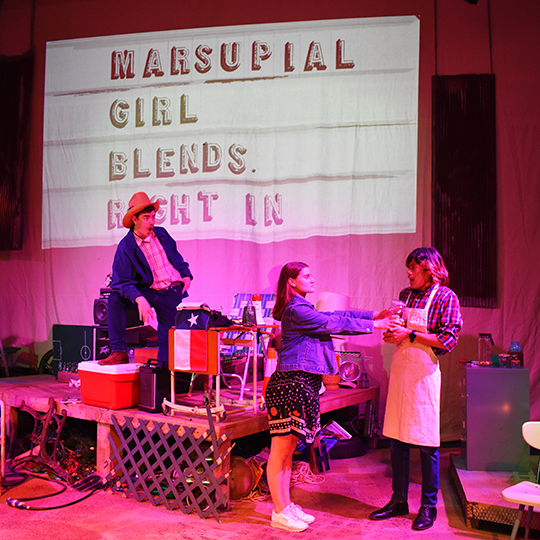
The Legacy of Millsaps Players
From its humble beginnings to its current state, the Players have left an unforgettable mark on Millsaps College and the Jackson arts scene.
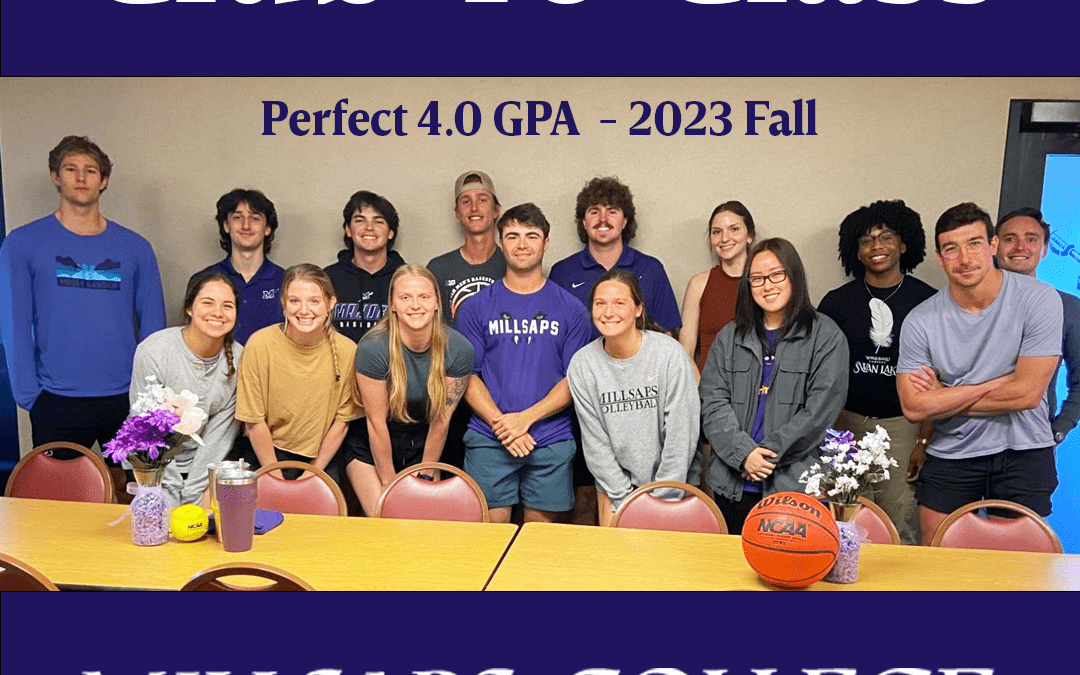
Millsaps Athletics Celebrates Fourth Club 40 Class
Majors Total 19 Student-Athletes with a Perfect 4.0 GPA following 2023 Fall Semester

Millsaps College Honors Alumni Award Winners
Through their exemplary achievements and unwavering service, Ward, Alex and Robika epitomize the transformative impact of a Millsaps education.
